Put your product into an existing video
Mirage changes a shot without a reshoot. Give it a clip and one to four photos of your product: the scene stays, and your product appears in it, with its label, shape and colour checked against your photos. Restyle a clip or bring a still to life the same way.
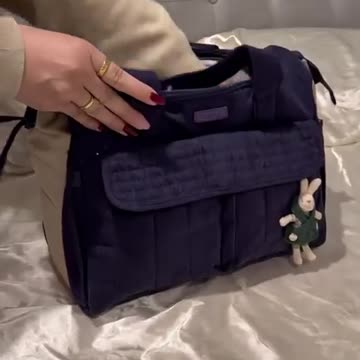
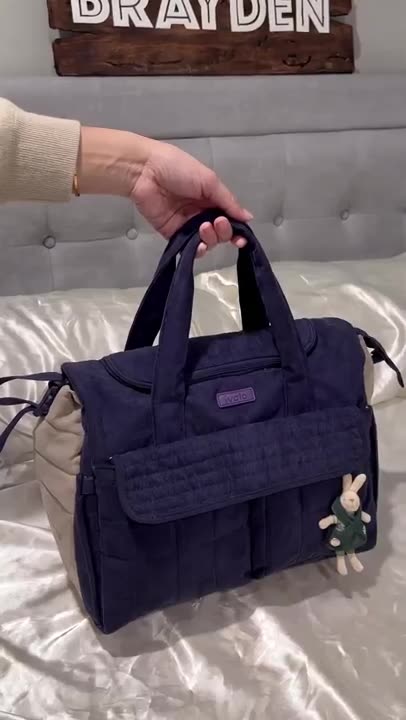
Made in Mirage
Restyle, swap or re-animate a clip without a reshoot.
Your exact product in an existing video.
Same clip, a new look.
Movement from a still, matched to a reference.
Three steps
Or a reference photo.
One to four angles of it.
Checked against your photos before it reaches you.
Who Mirage is for
Questions about Mirage
Will my product look right?
Mirage checks the label, shape and colour against the photos you give it.
Do I need a studio?
No. A phone photo of your product is enough to start.
Tools that pair well
Your brand’s
whole studio
Open every studio free, no sign-up needed. When you are ready to make something, create your account and pay only for what you make.